
240%conversion on sold-out sizes
Your best seller is sold out. Now it’s pre-orders, revenue, a waitlist, more orders or upsells.
Keep taking orders, sign-ups and sales while stock is out, right on your product page.
Demo: a sold-out size switches to pre-order and takes orders, stock lands and pre-orders release oldest first, a shopper joins the Notify me list, and a sold-out boot shows in-stock picks that the shopper adds to their bag.
Growing with brands like
Black Friday is Friday 27 November 2026.
Sell out Friday. Sell through to Monday.
Sold out products auto-switch to pre-order, Notify me or in-stock recommendations. Set up in under 15 minutes.
Sell it before it lands. Keep selling after it’s gone.

~200%weekly sales during a sell-out
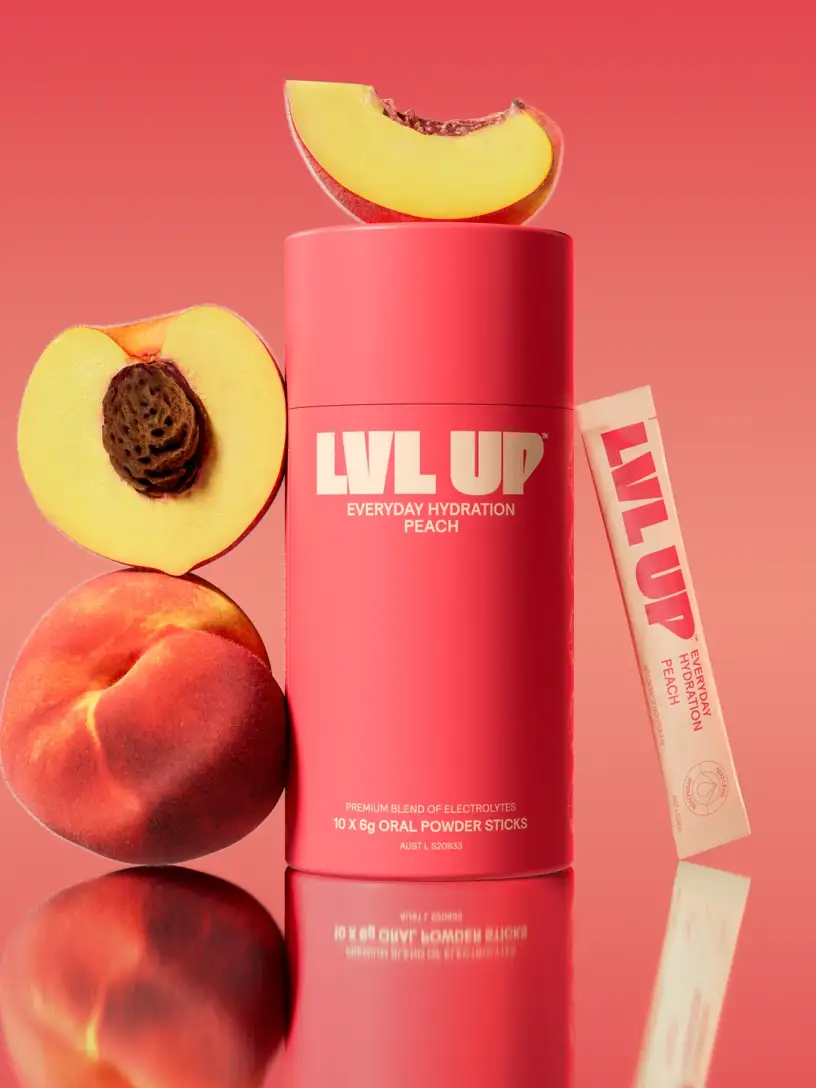
400%conversion on a pre-sold launch

1,240waitlist sign-ups before one restock
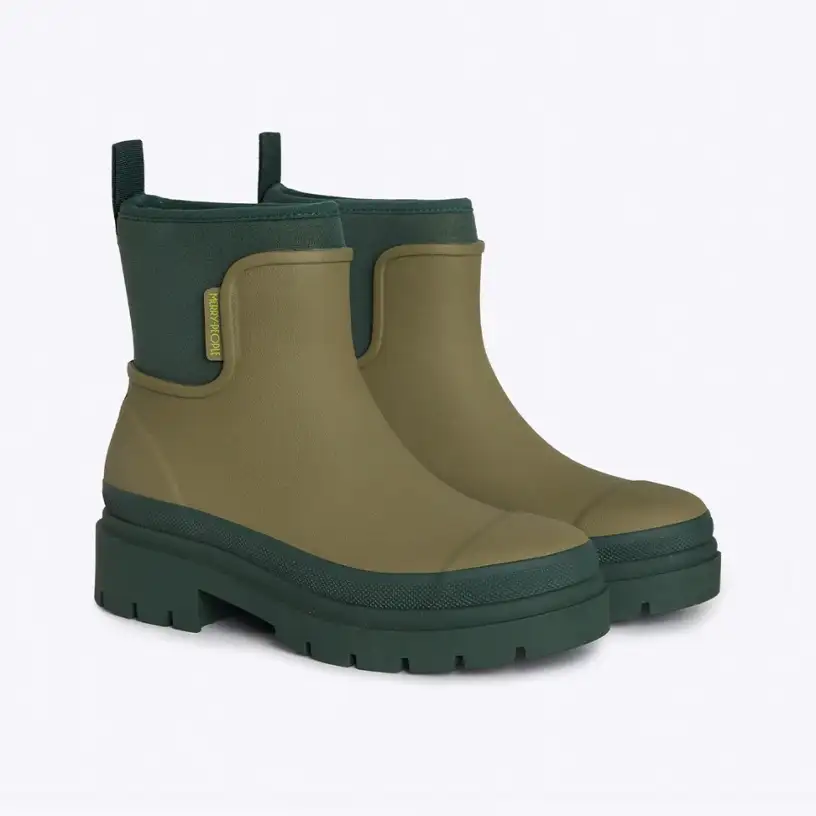
$650,000USD upsell revenue over 6 months
Three ways to keep the sale.
Bloom adds pre-orders, notify me and upsells to your product page. Turn on the ones you need.
“Pre-orders nearly doubled sales last week. We couldn’t have done it without Bloom!”
Turn it on once and the button flips to Pre-order the moment stock hits zero.
- Set an oversell limit per variant.
- Your ship date shows on the product page, in the cart and on the order status page.
- Orders release oldest first when stock lands.
Shoppers leave an email or phone number under the button, and your Klaviyo flow tells them when it’s back.
- Email or SMS sign-ups go straight to Klaviyo.
- Bloom saves the exact size or variant with each one.
- See which products shoppers are waiting on.
Show in-stock products you choose under the button, so a sold-out page still makes a sale.
- Choose the picks for every sold-out product.
- Set them in a table or import a CSV.
- Style the cards to match your store.
Pre-order
Take the sale the second it sells out.
Turn pre-orders on for a variant once and it flips at zero, using your theme’s own add to cart button. Customers pay in full at checkout.
- Set an oversell limit for each variant.
- Your ship date shows on the product page, in the cart and on the order status page.
- Orders release oldest first when stock lands.
Oversell limit28 / 40
Notify me
Catch the shoppers who’d rather wait.
Notify me sits under the buy button and takes an email or phone number. Your Klaviyo back-in-stock flow messages them when it’s back.
- Email or SMS sign-ups go straight to Klaviyo.
- The exact size or variant is saved with each one.
- See which products shoppers are waiting on.
Klaviyo list126 profiles
Upsells
Point them to what’s in stock.
Pick the products to show when one sells out. Shoppers who won’t wait tap through to a product page and buy there.
- Set picks for each sold-out product or variant.
- Manage them in a table or import a CSV.
- Style the cards to match your store.
“Using Bloom pre-orders to pre-sell our peach flavour drove 400% conversion and doubled our average order value.”
Sold out still pays.
Follow one HARA bra for the 45 days after size M sells out. Then set the sliders to match your store.
“I love the oversell limit and how Bloom switches to pre-order as soon as inventory hits zero.”
Size M sells out.
The Stella Low Cut Bra hits zero, and the button flips to Pre-order with your ship date.
Orders keep coming.
Shoppers pay in full at checkout, up to your oversell limit. Anyone who’d rather wait joins the Notify me list.
Restock ships, oldest first.
Stock lands, pre-orders go out in order, and your Klaviyo flow tells the waitlist it’s back.
Six weeks on, you’re ahead.
By day 45 you’ve made $39,058 more than a Sold out button would have.
Illustrative model. Pre-orders convert at your normal rate, 6% of visitors join the waitlist and 20% of them buy on restock. Without Bloom, sales stop until restock, then return at half the rate.
Talks to the tools you already use.
Pre-order and Notify me events flow into GA4, Meta and Klaviyo through the tags already on your store. Sign-ups land in Klaviyo with the exact variant, and pre-orders and sign-ups can count as Google Ads conversions.
ShipStation, ShipBob and ShipHero hold pre-orders until you release them, so nothing ships before the stock lands. How each app handles pre-orders
- Shopify
- Klaviyo
- GA4
- Google Ads
- Meta
- ShipStation
- ShipBob
- ShipHero
- Ordoro




Questions, answered.
What does it cost?
5 plans, from the free Hibernate plan to Scale at $899 a month. Every paid plan includes every feature, with nothing gated. Starter comes with a 7-day free trial, and Growth, Pro and Scale with 14 days. No per-order fees.
Will it work with my theme?
Yes, it installs as a theme app extension, with no code edits. Pre-orders use your theme’s own add to cart button.
How are pre-orders charged and shipped?
Customers pay in full at checkout. Your ship message shows on the product page, in the cart and on their order status page. When stock lands, orders are released oldest first.
Does it work with Klaviyo?
Yes. Notify me sign-ups land in your Klaviyo list with the exact variant, and your back-in-stock flow emails or texts them. Pre-order events go to Klaviyo too.
Will it slow my store down?
No. The storefront script loads asynchronously after your page, and its styles are cached at the edge.

Own your next sell-out.
Pre-orders, Notify me and upsells in one app, with no code to install.